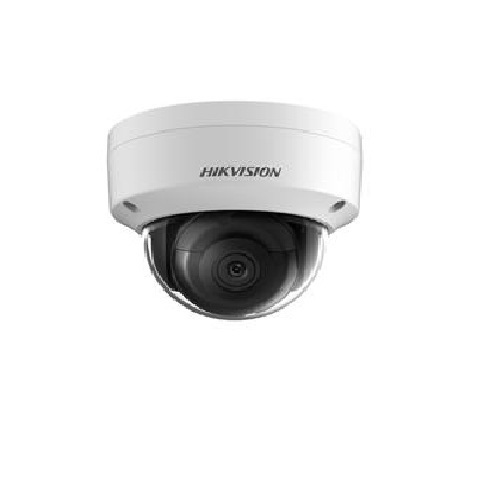
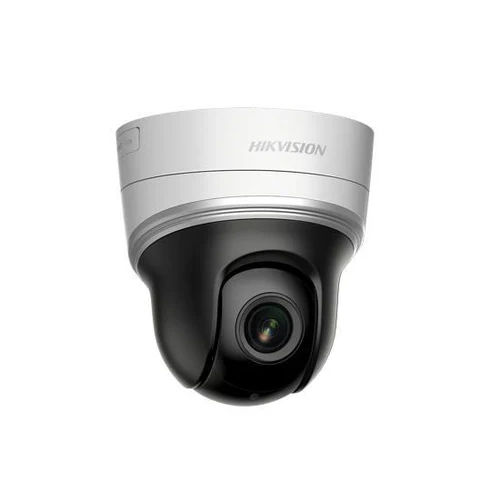
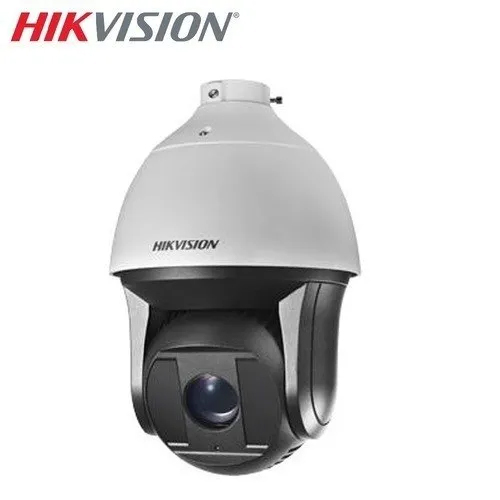
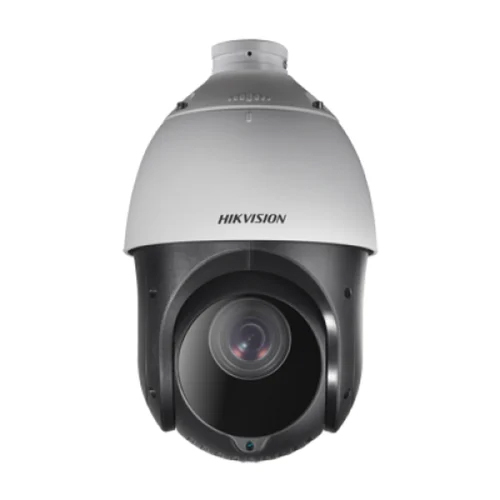
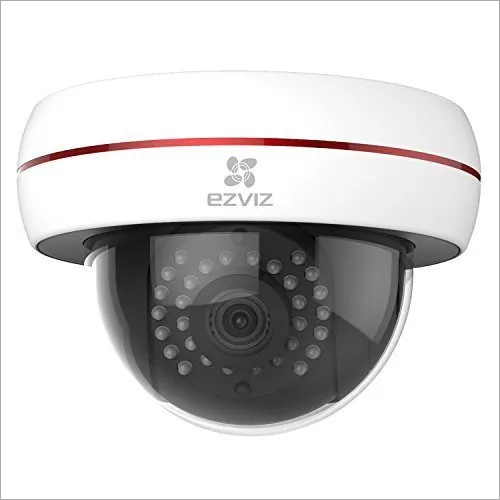
About Hikvision Network Camera
Technical Specification
Camera Technology | IP Camera |
Usage/Application | Office |
IR Range | 15 to 20 m |
Camera Resolution | 3 MP |
Model Name/Number | DS-2CD2135FWD-I |
Brand | Hikvision |
Type | Dome |
Color | White |
Camera Style | Dome Camera |
Pixel | 3mp h.265 |
Wide-Angle Clarity for Enhanced SecurityWith a viewing angle of up to 120, this Hikvision IP camera captures wide areas in sharp detail. It delivers real-time Full HD 1080p video for vigilant monitoring and broad scene coverage, making it suitable for both indoor and outdoor placements. The fixed or varifocal lens options let users select optimal perspectives for different locations.
Reliable Performance in Extreme ConditionsBuilt for challenging environments, the camera operates reliably in temperatures from -30C to 60C. Its IP66 weatherproof certification withstands rain, dust, and harsh climates, ensuring continuous operation around the clock. This durability makes it ideal for installation in homes, offices, and retail spaces across India.
Effortless Remote Monitoring & ControlThe device supports remote monitoring and control via mobile app or web interface, enabling users to view live feeds or recorded footage from anywhere. Coupled with smart alarms such as motion and tamper detection, users can respond swiftly to incidents and maintain high security standards at all times.
FAQs of Hikvision Network Camera:
Q: How do I set up and install the Hikvision Network Camera for home or office use?
A: Installation is straightforward: mount the bullet camera in your desired indoor or outdoor location, connect it using the RJ45 Ethernet port (with optional PoE for power), and configure it via the web interface or mobile app. Use the microSD slot or connect to NAS/NVR for storage, then adjust lens settings as needed.
Q: What benefits does the IR night vision feature provide for surveillance?
A: IR night vision allows this camera to record clear footage even in complete darkness (0 Lux), with visibility up to 30 meters. This ensures round-the-clock surveillance, making it ideal for securing environments during both nighttime and low-light conditions.
Q: Where can I oversee live or recorded camera footage remotely?
A: You can monitor both live and recorded video streams remotely via the Hikvision mobile app or web portal. This feature enables users to view their premises anytime from anywhere, as long as they have network access.
Q: What is the process for enabling two-way audio communication with this camera?
A: To use two-way audio, ensure that you choose a model with the built-in microphone option. Access audio controls through the mobile app or web interface, allowing you to listen and speak to individuals near the camera in real time, enhancing interactive security.
Q: When should I use the motion and tamper alarm features?
A: These alarms are recommended for scenarios where you need to be notified of movement or potential interference with the camera. Once activated, alerts are sent instantly to your mobile app or monitoring system whenever motion is detected or the device is tampered with.
Q: What storage options are supported for recording surveillance footage?
A: Recordings can be saved directly to a microSD card (up to 128GB), or stored on network-connected storage devices such as NAS or NVR. This flexibility ensures you have secure, scalable ways to archive videos as per your requirements.
Q: How does the camera maintain high video quality in varied lighting situations?
A: With a minimum illumination requirement of 0.01 Lux and automatic IR switching in low-light, plus advanced image sensors and real-time processing at up to 30 fps, the camera consistently produces crisp Full HD footage under different lighting conditions.
 Send Inquiry



 Send Inquiry


 Send Inquiry
 English
 Spanish
 French
 German
 Italian
 Chinese (Simplified)
 Japanese
 Korean
 Arabic
 Portuguese